KNX Line Coupler Secure
Joins two KNX TP segments with an extended filter table for main groups 0 to 31, KNX Data Secure routing, Security Proxy and Segment Coupler. Line coupler, area coupler or repeater in 2 DIN modules.
Downloads
The HTKNXLCR001 joins two KNX TP‑1 segments and decides, telegram by telegram, what is allowed to cross. It is the part that turns one large bus into a structured installation: traffic that belongs to a single line stays there, every line gets its own power supply and its own 64 devices, and a fault in one part of the building no longer takes the whole system with it. The same unit works as a line coupler, as an area coupler or as a repeater, and it carries KNX Data Secure, Security Proxy and Segment Coupler support on a 2‑module DIN rail housing.
One Device, Three Roles
There is no jumper and no mode parameter. The individual address you assign in ETS decides what the device is: x.y.0 makes it a line coupler between line x.y and its main line, x.0.0 makes it an area coupler between main line x.0 and the backbone, and any address with a device number other than zero makes it a repeater inside one line. Planning a project therefore never means ordering a different part number for the backbone than for the lines.
Extended Filter Table for Main Groups 0 to 31
The filter table is the reason a coupler reduces bus load rather than just extending the wire. ETS builds it from the group address links in the project and writes it into the device, and this model carries the extended version: 8 KB covering the full group address range, main groups 0 to 31, not only the lower 14. Projects that use the upper range for central functions keep real filtering below it instead of routing everything blindly.
Routing Set Separately for Each Direction
Sub → Main and Main → Sub are two independent parameter pages in ETS. For each direction you choose how group telegrams in the two address ranges are handled (filter, route or block), how individually addressed telegrams are treated, whether broadcast crosses, whether the outgoing line repeats unacknowledged telegrams, and how the coupler acknowledges on the incoming line. An installation can filter strictly upwards and stay open downwards, or the other way round, without compromise.
KNX Data Secure Without a Detour
Secured telegrams are routed unchanged, and filtering keeps working because the group address in a secured telegram is not encrypted. Nothing has to be enabled and no keys have to be entered for plain secure routing. The coupler is itself a secure device: its own management connection with ETS can be protected with its device certificate, so the filter table and the routing parameters cannot be changed by anyone who merely reaches the bus. Extended frames are supported, which is what secure commissioning and long property services need.
Security Proxy for Mixed Installations
Secured and unsecured devices cannot share a group address: one side has the key, the other does not. That is the everyday problem in a refurbishment, where one floor is modernised and the rest of the building stays as it is. The Security Proxy solves it at the coupler. ETS writes a table of the group addresses that need translating, and for those the coupler converts between the two worlds in both directions, while every other address is routed normally.
The proxy table holds 1000 group addresses, alongside 250 secured individual addresses for the sequence numbers of the senders it verifies. That is enough to let the boundary follow the way the building is divided, instead of squeezing a migration into a handful of addresses.
Segment Coupler for Protected Sections Inside a Line
A segment coupler splits one logical line into protected segments. Instead of deriving the routing of individually addressed telegrams from area and line, it works from a device address filter table that says which device numbers live on the secondary segment. A secured section can therefore be created inside a line that is already in service, without renumbering anything. Segment coupler and Security Proxy operation are available with the ETS 6 database.
Galvanic Isolation and Power from the Main Line
The two sides are galvanically isolated by a capacitive digital isolator, so a disturbance on one segment does not travel into the other through the coupler. The device is supplied from the main line only and needs no auxiliary power. Each segment keeps its own KNX power supply, which is what makes a line independently maintainable in the first place.
Diagnostics You Can Read from the Front
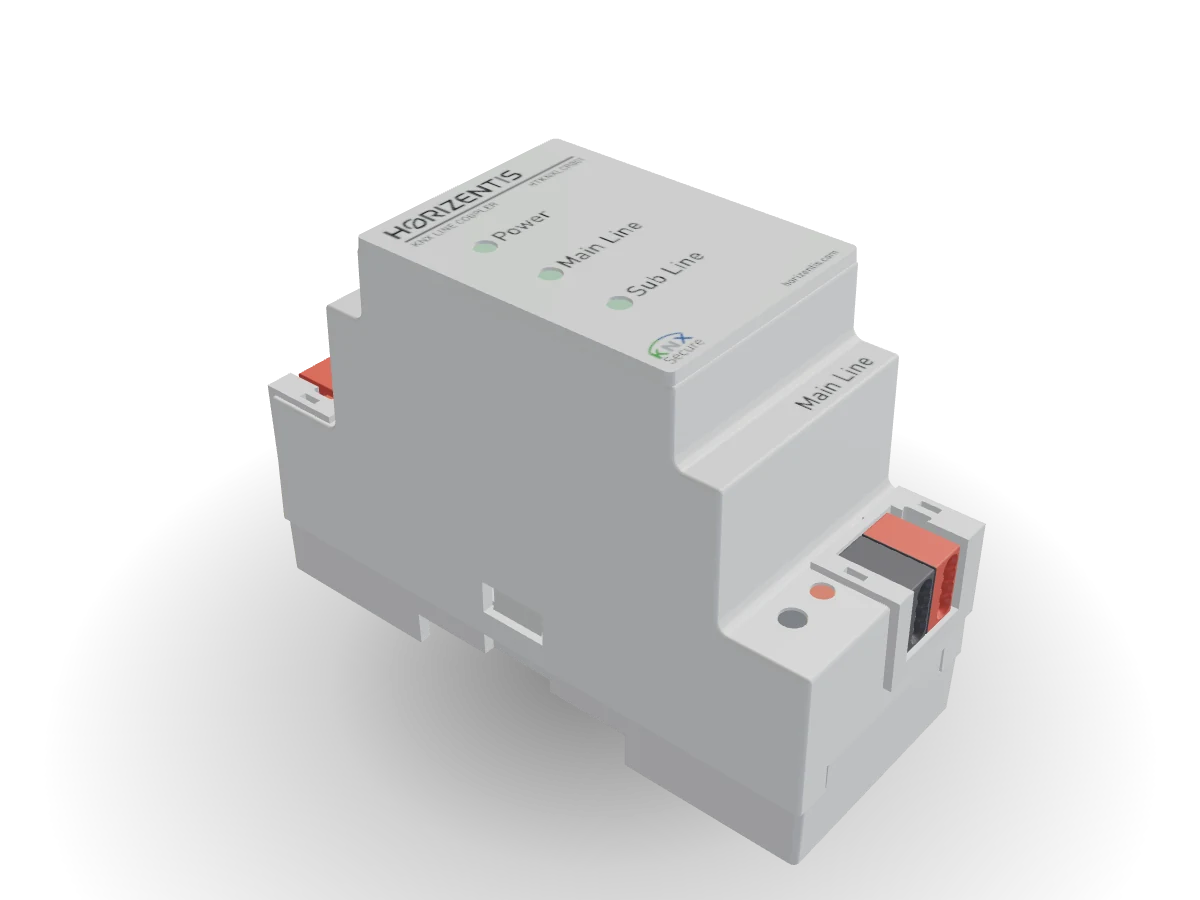
Three LEDs on the printed cover show bus power and traffic for the main line and the sub line, so a dead segment is visible before anyone opens a laptop. The programming button and its LED sit in the main line terminal compartment. The individual address can also be assigned over the device serial number, without pressing the button, which matters for a coupler already buried behind a cover plate. In ETS, the device information dialog reads back the routing settings actually stored in the device and the contents of the filter table.
Two ETS Databases
Two product databases are published. The ETS 6 database (application 0001) covers everything including Security Proxy and Segment Coupler, from ETS 6.1 onwards. The ETS 5 database (application 0002) works from ETS 5.7.7 and configures the same hardware as a standard coupler with Data Secure routing. Both carry context help in English, Turkish, German, Italian and Spanish, so the parameter pages read in the installer's own language.
Where a Line Coupler Earns Its Place
Use one wherever a line is about to outgrow its 64 devices, wherever a floor or a building section should keep working when another one is being worked on, and wherever bus load has started to show up as delayed switching. A coupler is also the cleanest answer to a project that has grown by addition: instead of one long line with a thousand telegrams a minute, several lines that only exchange what they actually share.
Frequently Asked Questions
What does a KNX line coupler do?
It connects two KNX TP segments and forwards only the telegrams that concern the other side. Group telegrams are checked against a filter table built by ETS, individually addressed telegrams are forwarded according to the topology, and everything else stays on the line it started on. The result is lower bus load, an independent power supply per line and a fault that stays local.
What is the difference between a line coupler, an area coupler and a repeater?
With this device, only the individual address. An address of the form x.y.0 makes it a line coupler, x.0.0 makes it an area coupler, and an address with a device number other than zero makes it a repeater that passes individually addressed telegrams in both directions. A repeater extends one line; a coupler creates a new one.
How does the filter table get built?
ETS derives it from the group address links in the project. An address is written into the table of a coupler when that coupler stands between a device that sends the address and a device that receives it. In ETS 5 an address could also be forced in with the Pass through Line Coupler option; ETS 6 derives the table from the links alone, so an address with no link yet is usually reserved by adding a dummy device in the line concerned.
Does the coupler work with KNX Data Secure?
Yes. Secured telegrams pass through unchanged, and the filter table still applies because the destination group address is not encrypted. The coupler also accepts secured management from ETS using its own device certificate.
Can secured and unsecured devices share a group address?
Not directly, because one side holds the group key and the other does not. With the Security Proxy on this coupler they can: the coupler holds the key for the group addresses you list and converts between secured and plain in both directions, up to 1000 addresses.
Which ETS version do I need?
ETS 5.7.7 or later with the ETS 5 database, or ETS 6 with the ETS 6 database. Security Proxy and Segment Coupler need the ETS 6 database and ETS 6.1 or later.
How is the device powered, and what happens if the main line fails?
It draws its power from the main line and needs no separate supply. If the main line loses voltage the coupler stops and nothing crosses, while the devices on the sub line keep communicating with each other locally.
How many devices and lines can an installation have?
64 devices per line segment, up to 15 lines per area joined by line couplers, and up to 15 areas joined by area couplers to the backbone. A telegram may cross at most six couplers, which is the limit the routing counter sets.